How to Create Great UK Curriculum Study Aids (KS2–KS4)
Practical, evidence‑based guidance to design colourful study aids aligned to KS2–KS4 (GCSE), including templates, curation rubrics, accessibility, and how Cartisio automates best practice.
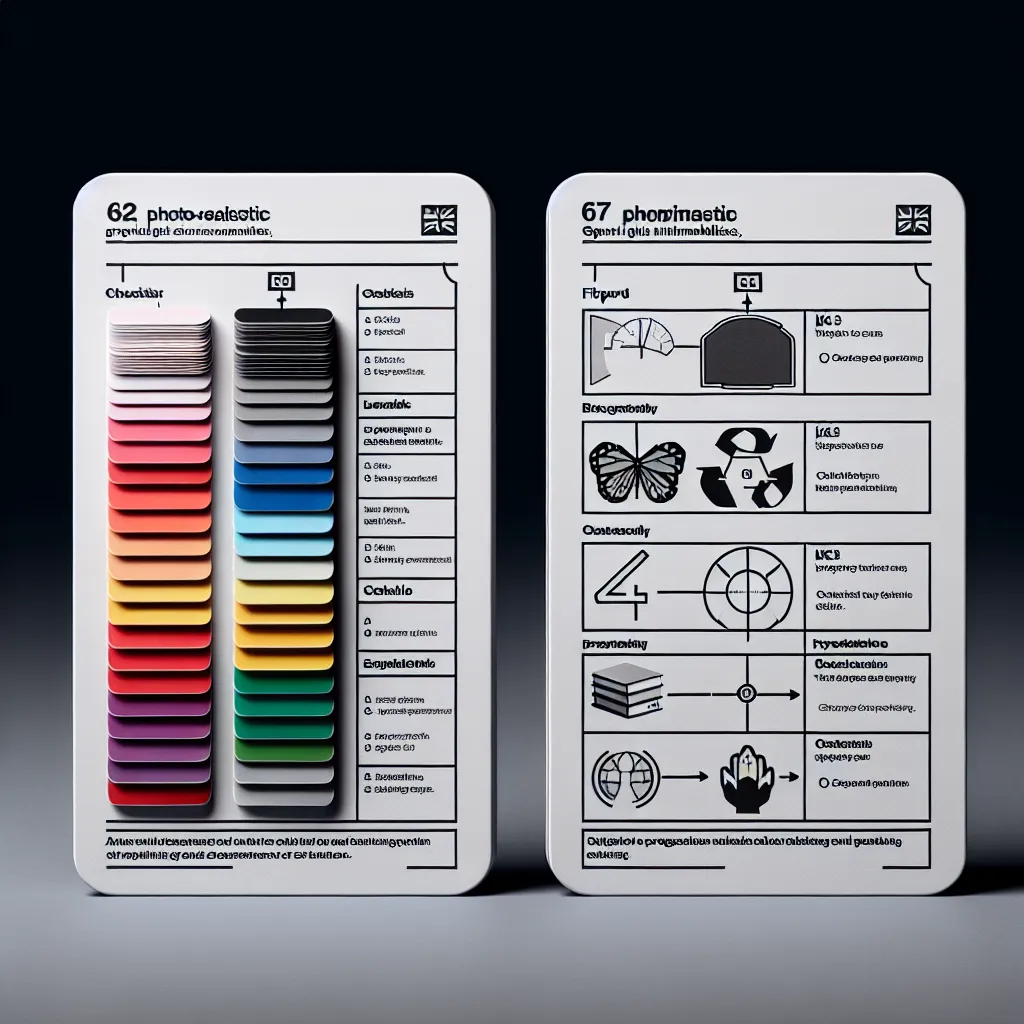
Map Aids to Curriculum and Exam Boards
Tag each aid with stage and strand: KS2/KS3/GCSE; topic; and exam‑board phrasing where appropriate (AQA, Edexcel, OCR). Use age‑appropriate language and examples. Keep colour purposeful: signal structure, do not decorate.
Templates that Work (with Examples)
- Flipcards: one idea per card. Example: Front—‘Define electronegativity’; Back—‘Tendency of an atom to attract a bonding pair of electrons.’
- Worked Examples: show steps + why each step. Example: Solve 3x+7=22 → subtract 7 → divide 3 → check.
- Visual Summaries: big shapes, minimal labels. Example: energy stores and transfers diagram with arrows.
- Checklists: formulas, command words (describe/explain/evaluate), required practicals.
Evidence‑Informed Design
- Dual Coding (Paivio): pair concise text with supportive visuals.
- Multimedia Learning (Mayer): coherence, signalling, spatial/temporal contiguity.
- Retrieval Practice (Roediger & Karpicke): frequent quick quizzes and flipcard drills.
- Spacing (Cepeda et al.): schedule revisits across days/weeks; resurface weak items.
Curation Rubric for Videos (2–4 per topic)
Pick short, reputable videos: clear narration; accurate syllabus alignment; minimal fluff; captions available. Use neutral ‘trusted explainer’ sources and avoid distractions. Keep playlists lean.
Accessibility and Inclusion
Use readable fonts and strong contrast. Provide alt text for images. Avoid colour‑only signalling (use icons/labels). Keep sentences short. Offer audio where possible.
How Cartisio Implements These Principles Automatically
- Detects stage and topic from uploads to tag KS2/KS3/GCSE content.
- Generates flipcards, visuals, and worked examples using concise language and dual coding.
- Builds quick quizzes and schedules spacing to resurface weak items.
- Suggests short, age‑appropriate YouTube explainers from trusted channels and provides captions where available.
- Applies accessibility defaults (contrast, headings) and encourages alt text for images.
Try it now